

Generate Documentation
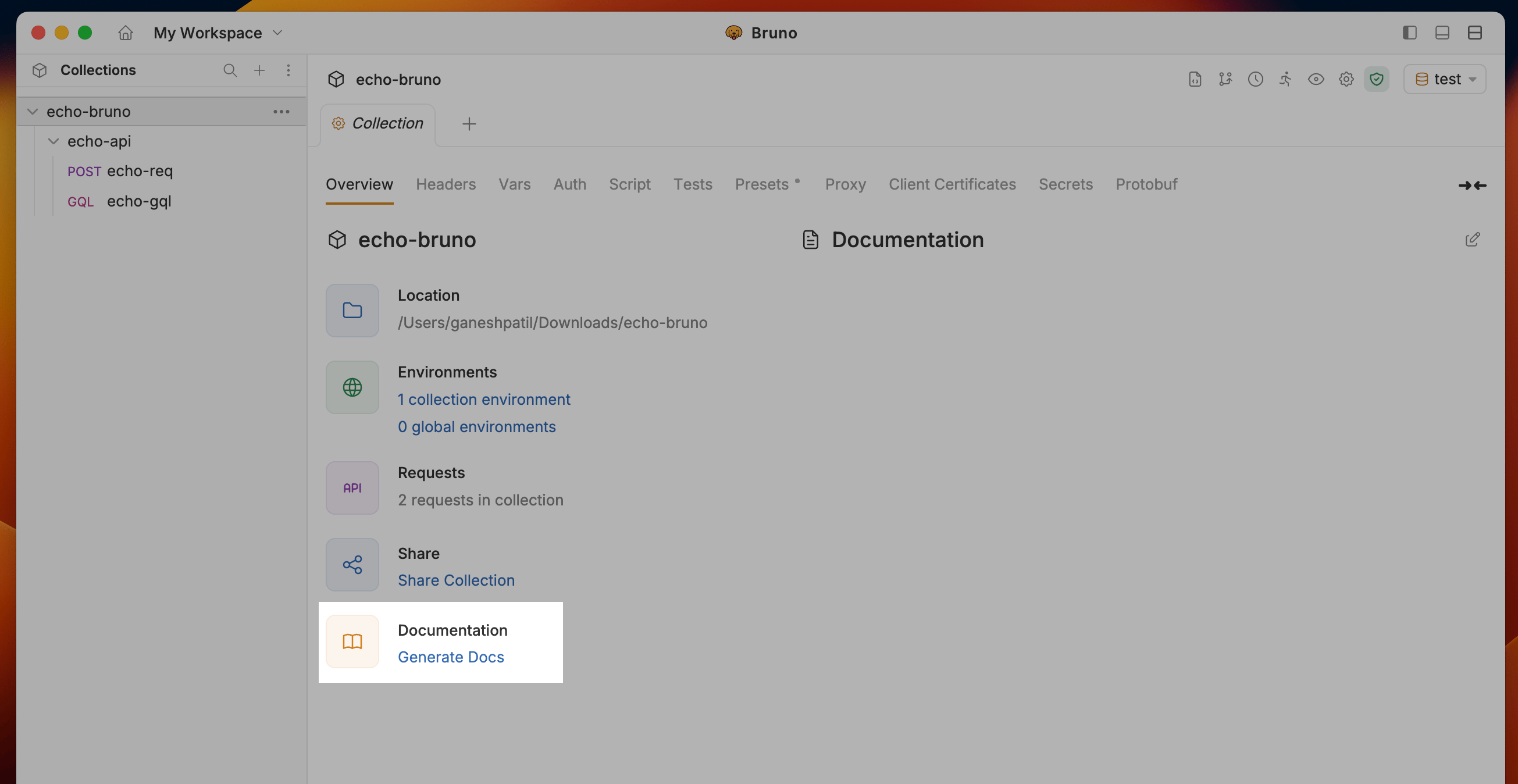
- Navigate to the Collection Settings and click on the Generate Docs under Documentation section
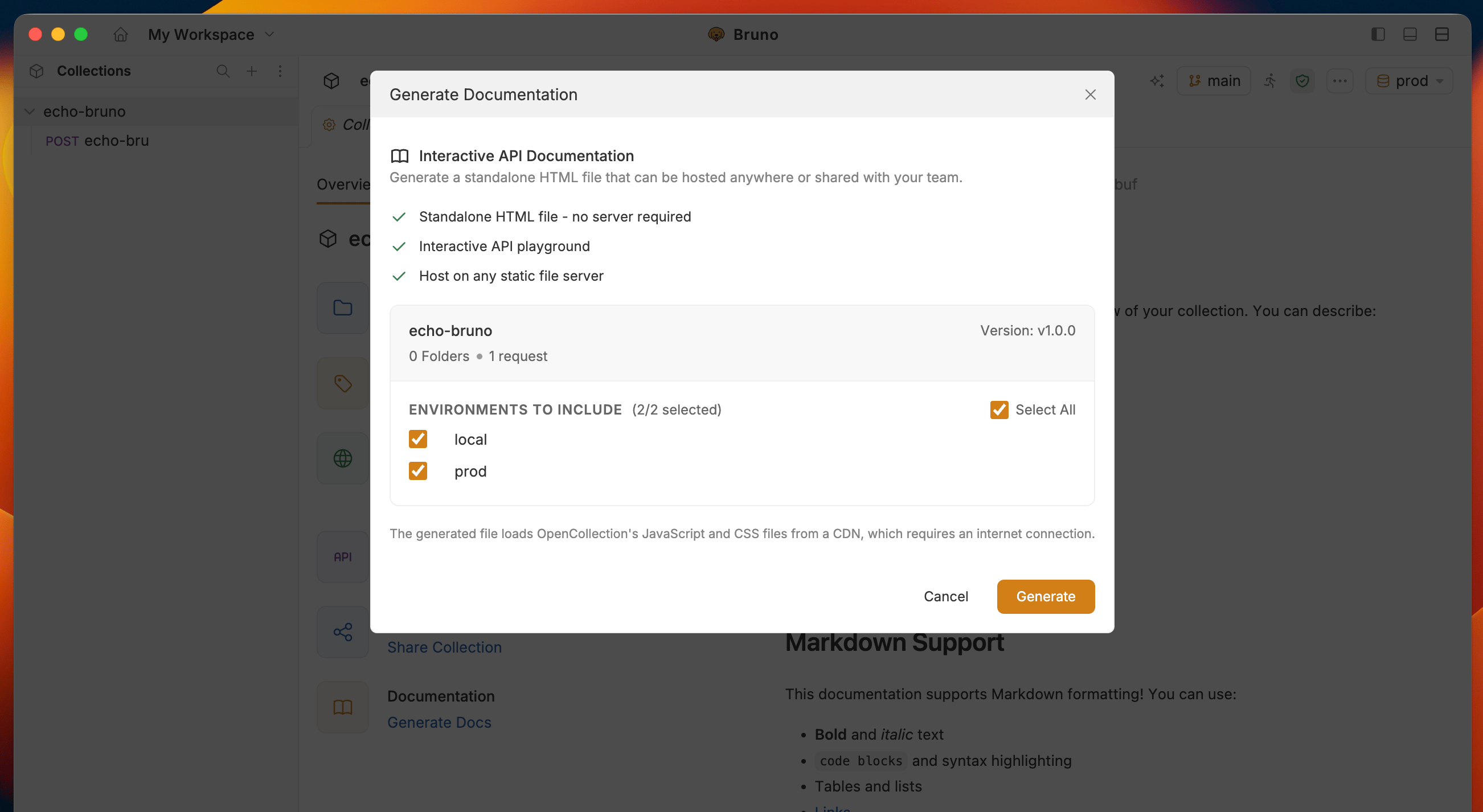
- Select Environment to include in the documentation and click the Generate button to create the HTML documentation
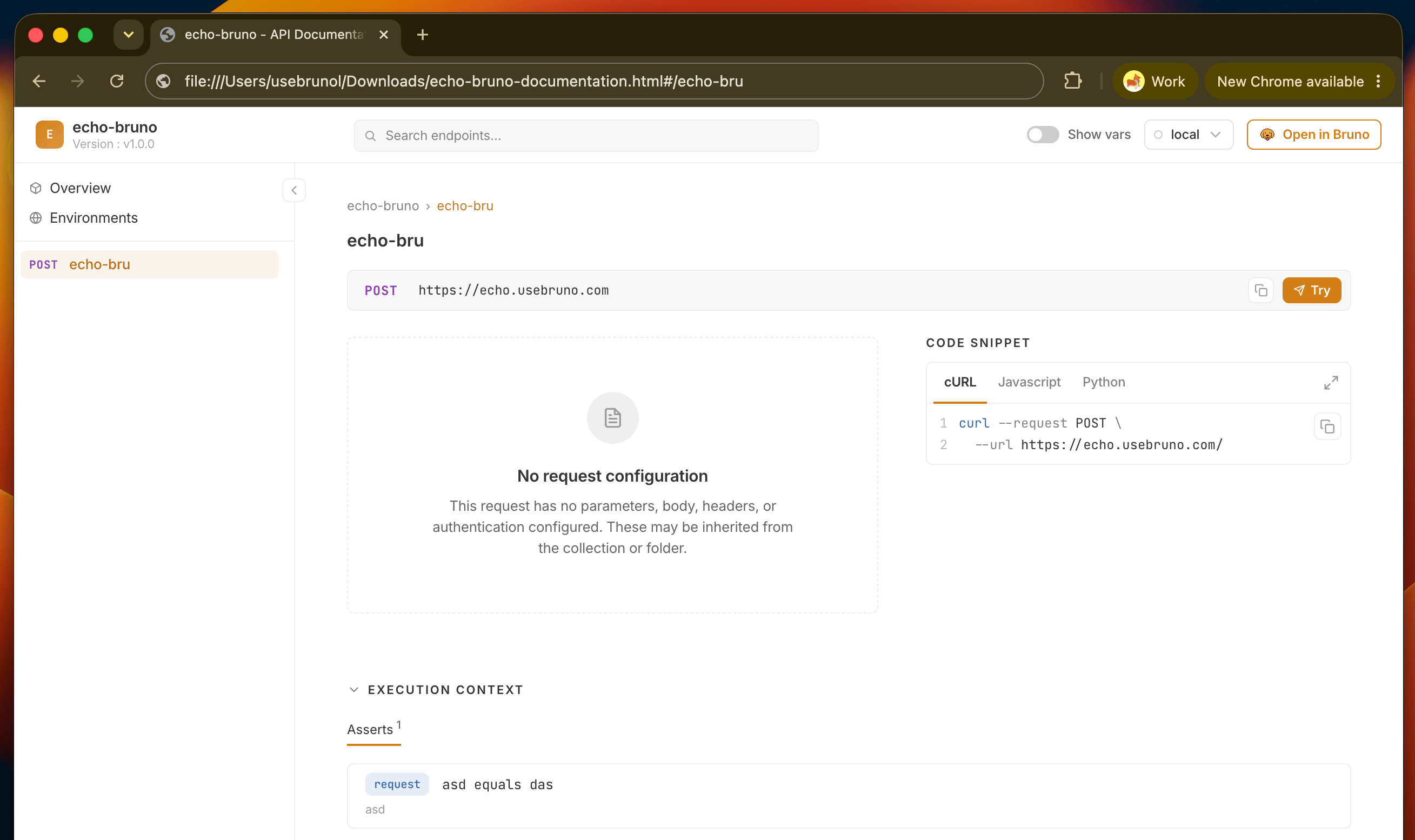
- Bruno will generate a documentation file for your collection in your file system with name
collection-name-documentation.html
Generate Docs with the CLI
The Bruno CLI can generate the same standalone HTML documentation with thebru docs generate command. This is useful for publishing docs automatically from CI/CD.
Run the command from your collection directory:
copy
<collection name>-documentation.html. Use --output (or -o) to choose a different path:
copy
Options
Examples
Include specific environments:copy
copy
copy
copy
copy
--envs or --exclude-envs does not exist in the collection’s environments/ directory, the command errors with Environment(s) not found. The generated file matches the output of the Generate Docs flow in the app.
Next steps
- See what readers can do in the generated site: switch environments, search requests, and try requests live
- Deploy and share the file with your team or API consumers